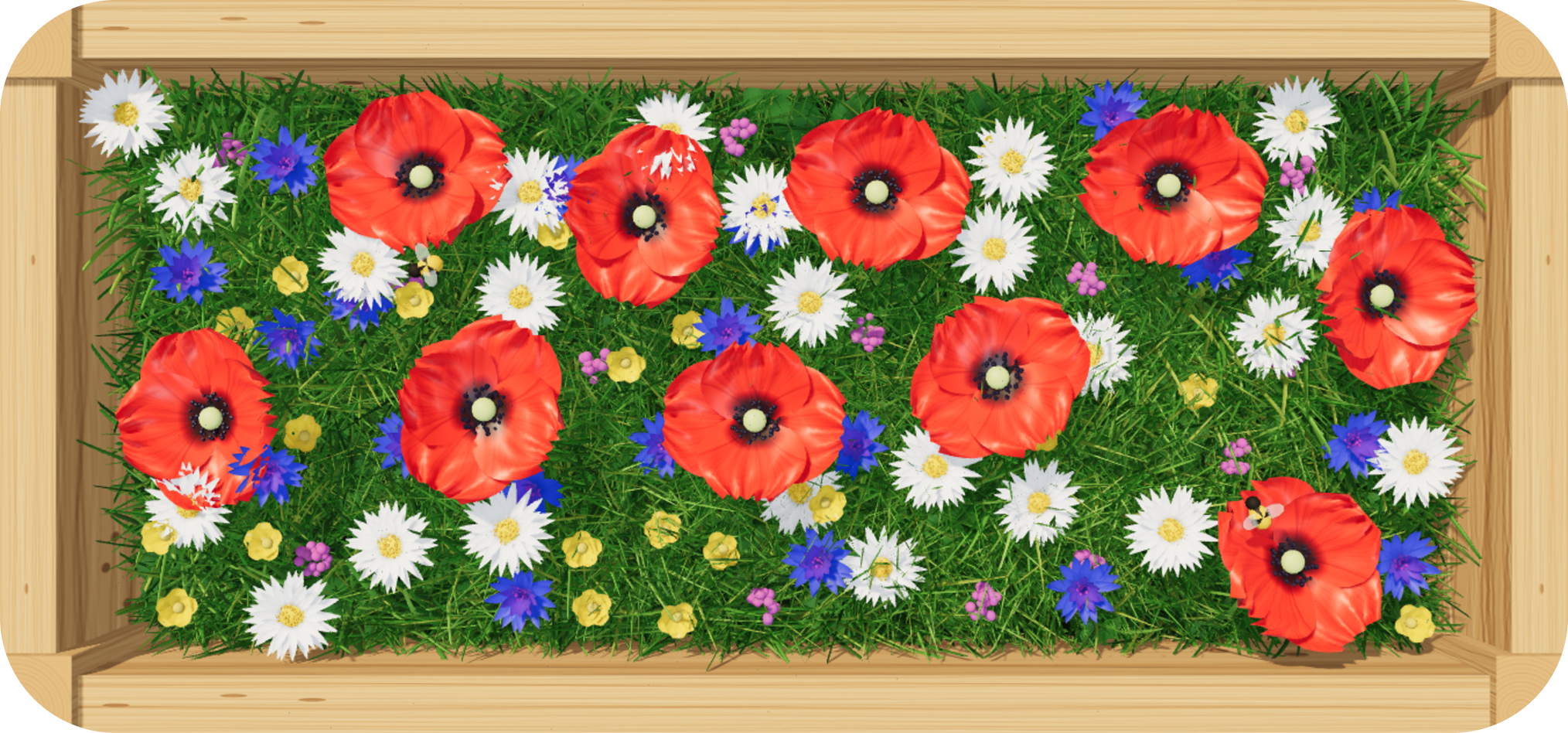
A little flower box for your iPhone Home Screen. It blooms with the seasons and changes with the light, from morning to night.
Support
Questions, ideas or something that does not look right? Send a message to info@ejpeg.design and we will get back to you.
How do I add the widget?
Touch and hold an empty spot on your Home Screen, tap Edit, then Add Widget. Search for Bloembox and choose the small or medium size.
How do I change the theme or the box?
Touch and hold the widget and tap Edit Widget. There you can choose a theme and a box: pine, terracotta, zinc or concrete.
Why does my widget look different during the day?
That is the idea. Bloembox follows the time of day, with morning, afternoon, evening and night light, and it follows the season unless you pick one yourself.
I bought a theme but I do not see it
Open the Bloembox app and tap Restore Purchases. Purchases are linked to your Apple Account and work on all your devices.
Refunds
Purchases are handled by Apple. You can request a refund at reportaproblem.apple.com.
Privacy Policy
Bloembox does not collect any data.
- No account and no sign-in.
- No analytics, no advertising and no tracking.
- No third-party software that collects data.
- Your theme and box choices are stored only on your device.
In-app purchases are processed by Apple. We never receive your name, email address or payment details. Apple's handling of your data is described in the Apple Privacy Policy.
If you email us for support, we use your email address only to answer you.
If this policy changes, the new version will be published on this page. Last updated: November 18, 2026.
© 2026 Farside B.V. Bloembox is made in the Netherlands.